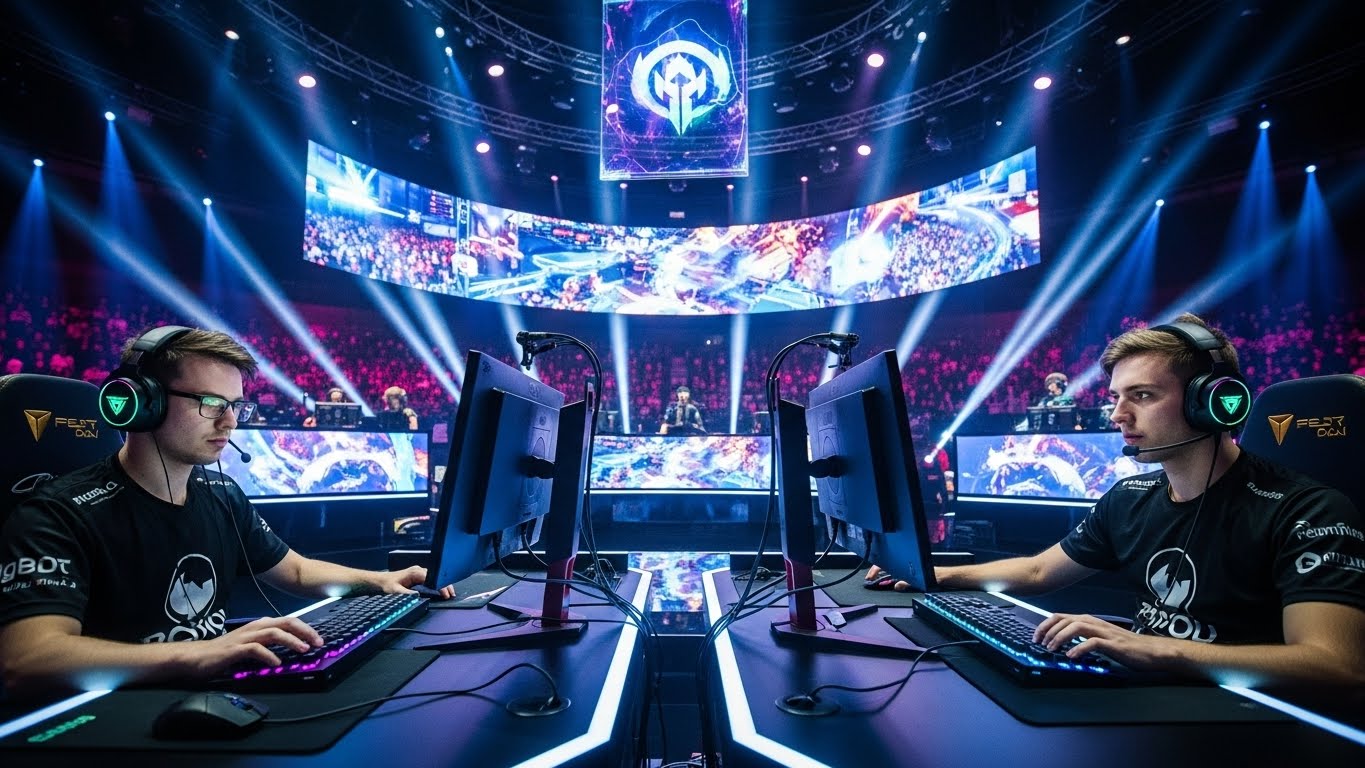
Buying or building a gaming setup is one of those decisions that seems simple until you start looking into it, at which point it becomes overwhelming very quickly. Specs, benchmarks, compatibility, refresh rates — the information is available, but it isn't always clear what actually matters for how you want to play.
This guide tries to cut through the noise. It's not a list of specific product recommendations (those get outdated fast), but rather a framework for thinking about what to prioritize based on your situation. Different players have genuinely different needs, and understanding your own is the most important first step.
Start With How You Actually Play
Before looking at a single spec sheet, it helps to be honest about your gaming habits. The right setup for someone who plays competitive first-person shooters for four hours a night is very different from what suits someone who plays story-driven RPGs casually on weekends. Neither is wrong, but spending money on hardware optimized for the wrong use case is a common and avoidable mistake.
A few questions worth thinking through:
- What genres do you play most? Competitive multiplayer games (FPS, MOBA, battle royale) benefit most from high refresh rate monitors and low-latency input devices. Single-player narrative games benefit more from display quality — resolution, color accuracy, HDR.
- How important is visual quality vs. performance? Running at very high frame rates often requires sacrificing some visual settings or spending significantly more on GPU hardware.
- Do you game at a desk or on a couch? This affects monitor size, input device choice, and whether a PC or console setup makes more sense for your space.
- Is your current hardware actually holding you back? Sometimes the honest answer is no — and the money is better saved.
Understanding the Core Components
If you're building or buying a PC, these are the components that matter most for gaming:
GPU (Graphics Card)
The GPU is the single most important component for gaming performance. It handles the rendering of the visuals you see on screen, and its capability largely determines what resolution and frame rate you can achieve at a given visual quality level. The GPU market is divided between two major manufacturers — NVIDIA and AMD — with each releasing new generations roughly annually.
The key is understanding what tier you need. Entry-level GPUs handle 1080p gaming at moderate settings. Mid-range GPUs cover 1080p at high settings or 1440p at moderate settings. High-end GPUs handle 1440p at high settings or 4K at reasonable performance. The premium for the highest-tier cards often doesn't make practical sense unless you're running a 4K high-refresh-rate setup with demanding games.
CPU (Processor)
The CPU is important, but most modern games are more GPU-limited than CPU-limited. You generally don't need the fastest available CPU — you need one that's fast enough to not bottleneck your GPU. For gaming, clock speed and single-core performance matter more than core count in most titles, though some modern games benefit from more cores.
A practical approach: pair a mid-to-high-range GPU with a mid-range CPU from Intel or AMD. The performance difference between a high-end CPU and a mid-range one is usually very small in gaming workloads, while the price difference can be significant.
RAM
For gaming, 16GB of RAM is sufficient for most titles as of writing. Some newer games and multitasking-heavy workloads benefit from 32GB, but 16GB remains the practical sweet spot for most users. Speed matters somewhat — faster RAM can improve performance, especially with AMD processors — but going from 16GB to 32GB is usually more impactful than going from slower to faster RAM at the same amount.
Storage
An NVMe SSD is essentially a requirement now. It dramatically reduces game load times and system startup compared to traditional hard drives. SATA SSDs are a step up from hard drives but noticeably slower than NVMe. The size you need depends on how many games you want installed simultaneously — games are large and getting larger. 1TB is a reasonable minimum; 2TB is more comfortable.
Choosing a Monitor
The monitor is where many players under-invest, which is a shame because it's one of the components you interact with constantly and one where quality differences are immediately visible. A few key factors:
Refresh Rate
Refresh rate is measured in Hz and determines how many frames per second the monitor can display. A 60Hz monitor shows 60 frames per second maximum; a 144Hz monitor shows 144. The difference between 60Hz and 144Hz is immediately and significantly noticeable, especially in fast-moving games. Most competitive players aim for at least 144Hz. 240Hz and 360Hz monitors exist and do offer some additional advantage in very fast games, but the returns diminish.
One important thing: a high-refresh-rate monitor only delivers its benefit if your GPU is producing enough frames to feed it. Running a 144Hz monitor at 60fps is better than a 60Hz monitor, but you're not getting the full value. Matching your GPU's capability with your monitor's refresh rate is worth thinking about.
Resolution
1080p (1920×1080) remains the most common gaming resolution and offers excellent performance for most setups. 1440p (2560×1440) provides a noticeably sharper image and is increasingly the preferred choice for mid-to-high-range builds. 4K (3840×2160) looks excellent but requires significantly more GPU power and is expensive to run at high frame rates.
Panel Type
IPS panels offer better color accuracy and viewing angles than TN panels, which were historically the choice for competitive gaming due to faster response times. Modern IPS panels have closed that gap significantly. VA panels have the best contrast ratios but can struggle with motion blur. For most gamers, a good IPS or IPS-like (Nano-IPS, Fast-IPS) panel is the best all-around choice.
Peripherals: Where Budget Goes a Long Way
Keyboards, mice, and headsets are often the area where diminishing returns kick in hardest. The jump from a cheap keyboard to a decent mid-range mechanical keyboard is real and worthwhile. The jump from that mid-range keyboard to a $200+ enthusiast board is mostly about preference rather than functional advantage.
Mouse
For gaming, you want a mouse with a good optical sensor, comfortable shape for your grip style, and appropriate weight (lighter is generally better for competitive play). Most reputable gaming mice from established brands in the $40–$80 range perform exceptionally well. Spending significantly more doesn't necessarily yield better in-game performance — it might get you a different shape, wireless connectivity, or materials you prefer.
Keyboard
Mechanical keyboards dominate gaming for good reason: the tactile feedback and actuation consistency help with repetitive key presses. Switch type is a personal preference question — some players prefer clicky switches, others prefer linear. It's worth trying different switches if possible before buying. Budget mechanical keyboards have improved significantly, and there are solid options in the $50–$80 range.
Headset
Dedicated gaming headsets are not always the best value for audio quality. A good pair of regular stereo headphones paired with a separate microphone often provides better sound than a gaming-branded headset at the same price. However, for convenience and simplicity, a decent all-in-one gaming headset is perfectly fine. Wireless has become more reliable and is worth considering if cable management is a concern.
The most common mistake in gaming setup purchases is buying for specs rather than for how you actually play. Know your games, know your budget, and prioritize accordingly.
Console vs. PC: An Honest Comparison
Whether to build a PC or buy a console is a genuinely practical question, not a tribal one. Consoles offer simplicity, consistent performance on a fixed platform, and a lower upfront cost for comparable gaming performance. PCs offer greater flexibility, backward compatibility, modding, multitasking, and better frame rates at the high end — but with more complexity and higher costs for equivalent visual quality.
If you primarily want to play games that are available on console, play casually, and don't want to manage hardware decisions, a console is a perfectly sensible choice. If you play across many genres, enjoy customization, want the best possible competitive performance, or do other things with your computer, a gaming PC makes sense. They're not in competition — they serve somewhat different needs.
A Practical Budget Framework
Rather than specific product recommendations (which change as hardware generations turn over), here's a rough framework for thinking about budget allocation for a PC gaming build:
- GPU: Allocate approximately 30–40% of your total build budget here. It has the most direct impact on gaming performance.
- CPU + Motherboard + RAM: Another 25–35%. You want a solid platform, but don't over-spend on CPU relative to GPU for pure gaming.
- Storage: Budget for a 1–2TB NVMe SSD. This is relatively affordable and worth doing right.
- Monitor: Don't underestimate this. A good monitor can be 15–25% of a well-balanced gaming setup budget.
- Peripherals: Mid-range is usually the right call. Brand premiums are real, and the performance gains at the top end are modest.
The most important thing is to avoid the trap of buying the best of everything and ending up with a monitor that can't keep up with your GPU, or a GPU that bottlenecks your CPU. Balance matters more than any single component being best-in-class.